Unity FBX Model Import Rotation Fix
Table of Contents
Description
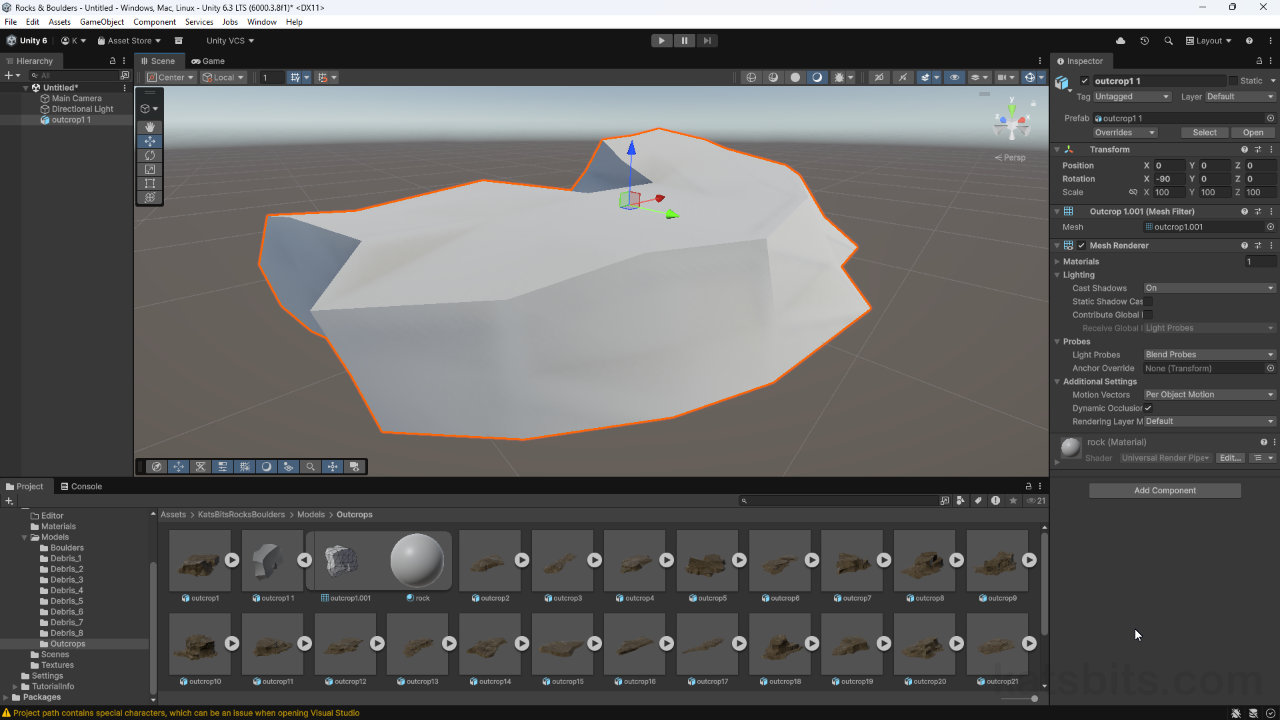
As a consequence of long-standing fudgy handling of FBX files exported from Blender 3D, Unity employs a system that subjects models to an ‘auto-corrective rotation fix‘ upon import into the editor. This often results in thumbnails appearing correctly but meshes not, or meshes displaying correctly but thumbnails not, the upshot being that additional editing is often necessary in-editor. However, there is a fix for this that involves pre-rotating assets in Blender, and then ‘baking’ the additional adjustments Unity makes after import. Doing this ensures both thumbnail and mesh are properly orientated and usable.
Duration: total c. 5 mins (00:05:00).
Info: 1080p.
Suitability: Beginner+.
Source: n/a.
Product ID: n/a.
Design note: some additional considerations when fixing Unity’s auto-rotation feature;
Auto-Rotation
The auto-rotation fix Unity employs is a heuristic attempt to fix cardinal orientation issues typically present in imported FBX models. This happens because there’s a core Up/Forward axes mismatch between Unity and whatever 3D software was used to make the mesh. Unity tries to correct this disparity by, depending on how ‘wrong’ it determines the model to be, automatically applying a rotational post-process to one or more axes of a model so it displays and can be used correctly. In Blender for example, Z represents Up (facing/pointing up, -Z for facing/pointing down) and -Y represents Forward (facing/pointing forwards, Y is facing/pointing backwards). As Unity uses Y for Up and Z for Forward, Blender authored models effectively lie on their side after import, thus the need for Unity to apply the rotation correction.
Important: for Blender exported FBX files in particular, Unity can appear to be ignoring axis data saved to file regardless as to whether Up and Forward are set ‘correctly’ relative to what Unity is expecting. This is largely due to Unity’s (undisclosed) aggressive heuristic analysis identifying other data points beyond X, Y and Z coordinate properties, resulting in constant ‘false-positive’ corrections.Aside: Blenders Global coordinate system basically means that whenever the viewport is set to Front (Numpad 1) the scene camera is actually looking backwards at objects along the (positive) Y axis, from the (negative) -Y side of grid centre – front to back. With viewport set to Back (Ctrl + Numpad 1) the opposite is the case, the scene camera is positioned on the (positive) Y side of grid centre looking forwards along the (negative) -Y axis – back to front.
Understanding axes can be confusing because they’re relative to grid centre and Global Orientation; in Front view the camera is always looking backwards along the positive Y axis.

Timestamps
Times are approximate;
– n/a
