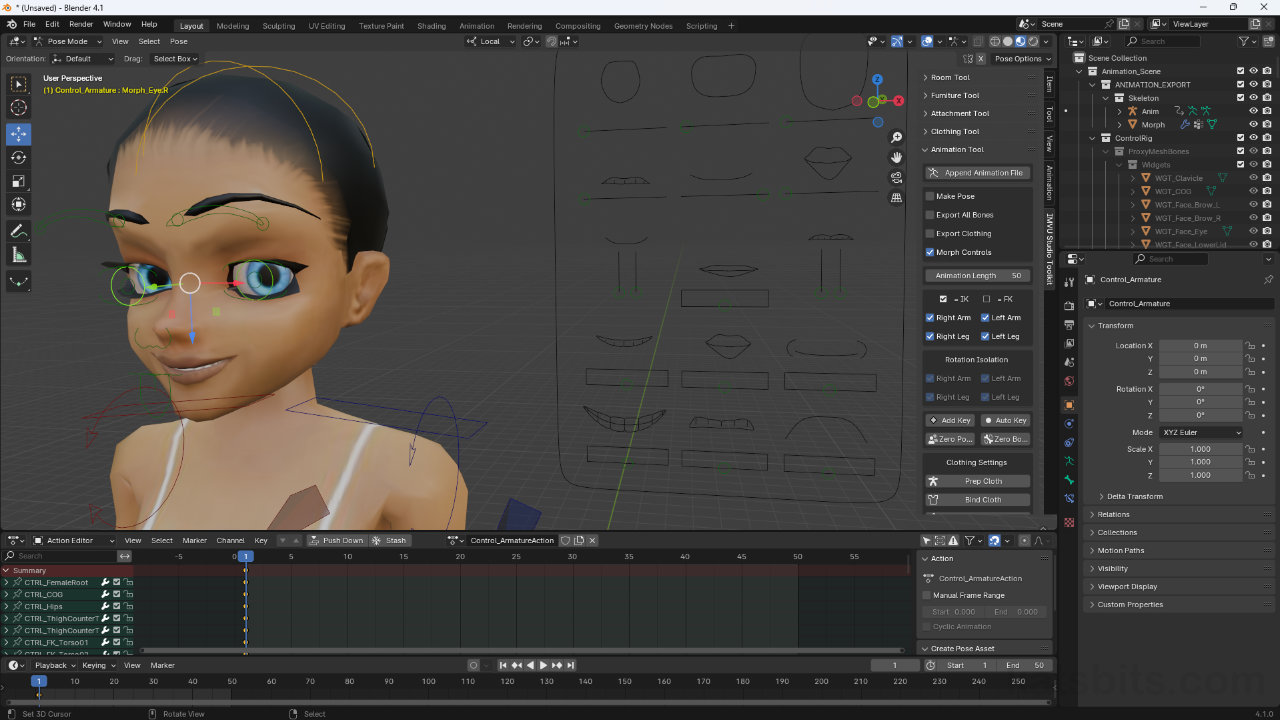
IMVU Toolkit for Blender 1.1.4 (Download)
While the IMVU Toolkit for Blender is being updated and improved through 1.2.x and beyond, for production it may be frustrating to use as features change and the interface is improved. As this happens from version to version, it may be prudent to have the last fully functional version installed, 1.1.4, which can be added to a separate installation of Blender, e.g. latest toolkit + latest Blender for testing vs. older Blender + Toolkit 1.1.4 for production.
Download: IMVU Toolkit v1.1.4 for Blender* (c. 25MB | *.zip) [Discord alt].
*file is provided as is, and as it was when published.
Important: when removing or uninstalling v1.2.x of the Toolkit, uninstall then shut Blender down and restart it. Check Preferences to confirm complete removal – occasionally an inactive ‘ghost’ instance remains that cannot be enabled or properly removed. In either case, find the addons folder and delete anything associated with the previous installation;
C:\User\[user]\AppData\Roaming\Blender Foundation\Blender\[version]\scripts\addons\Find and delete the following (if present);
• addons » imvu [delete folder]
• addons » __pycache__ » IMVU_Studio_Toolkit.[*].pyc [delete file]
