IMVU Toolkit v 1.2.7 – Options and Avatar Settings
Table of Contents
Description
A quick look at the IMVU Toolkit for Blender v 1.2.7, what’s changed and the settings and options available, especially for Clothing (clothing/accessory) and Avatar (animation/poses) setup.
Duration: total c. 10 mins (00:10:00).
Info: 1080p.
Suitability: Beginner+.
Source: n/a.
Product ID: n/a.
Design note: additional information using the Toolkit for Blender;
Download
• Download the latest version of the Toolkit for Blender »
• Install IMVU Toolkit for Blender »Avatar Tool
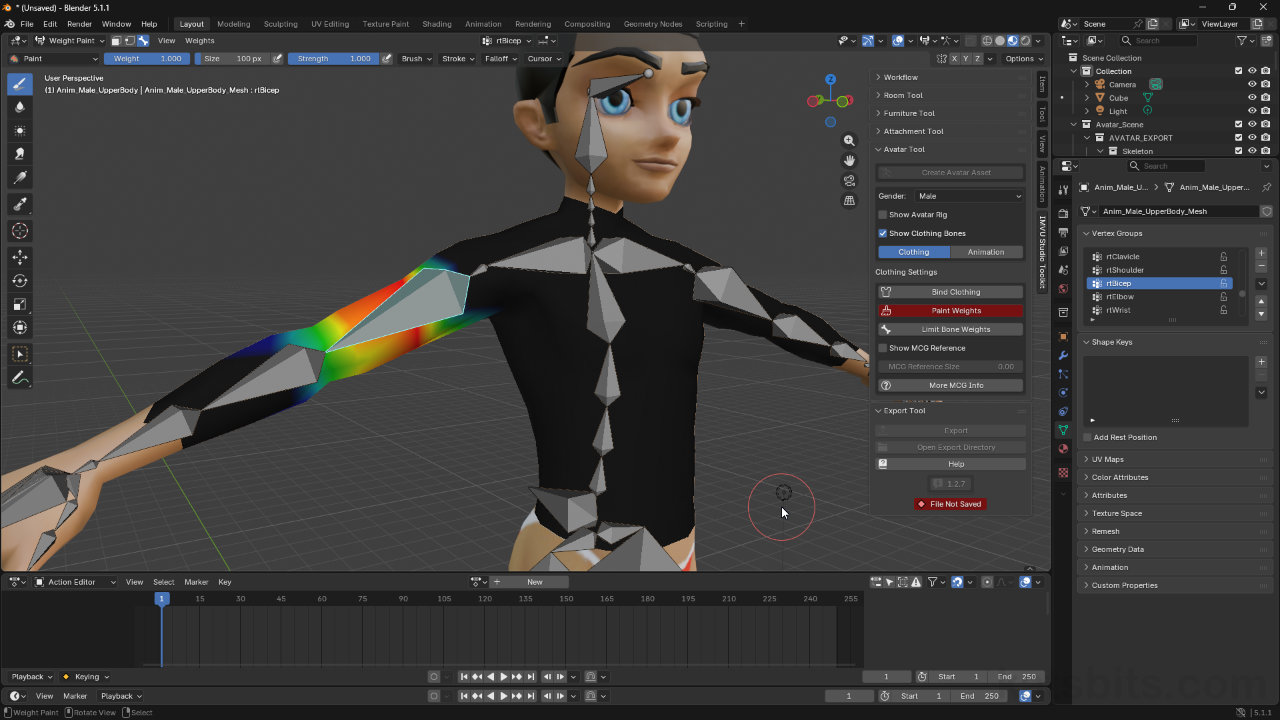
The Avatar Tool is where both clothing, body-part based accessories and attachments, and avatar animations and poses are created. When activating the tool the context needs to be set, primarily by clicking the Clothing button, or the Animation button. This reorganises the interface slightly to display the appropriate buttons, options and features for the task at hand.
For Clothing enable;
– Show Clothing Bones.For Animation enable;
– Show Avatar BonesOptionally
– Make Single Pose
– Export All Bones
– Export Facial Morphs
– Morph ControlsWhen making animations the settings used will depend on whether an avatar pose (single frame) or an animated action (multiple frames/sequence) is being made, and whether the avatar also has an animated or posed face.
For a static or single frame pose with or without facial animation, that include all or selected bones*, enable;
– Make Single Pose
– Export All Bones*
– Export Facial Morphs*
– Morph Controls*For an animated avatar action or sequence, enable;
– Export All Bones*
– Export Facial Morphs*
– Morph Controls*
Image-top: settings to use for avatar animation and poses using the Toolkit for Blender (v1.2.7). Image-bottom: settings to us to make clothing using the Toolkit.


Timestamps
Times are approximate;
– 00:00 : Workflow Options
– 02:00 : Room Tool
– 03:00 : Furniture Tool
– 04:00 : Attachment (Accessory) Tool
– 05:00 : Avatar Tool
– 07:00 : Weight Painting
