Copyright © 2023 KatsBits™. All Rights Reserved. No part of this or associated properties shall be reproduced without prior consent.
Copyright Policy. Copyright Contact.
Tutorials, training and educational resources for game making and development. Who needs school for game design when it can be done online!. Learn content creation, game art production, models, texturing, level design and more using Blender 3D.
Using the Blender tutorials and training available below, learn how to use Blender 3D for content creation, game making, design and development. Pick up essential skills for properly optimised models, efficient level design and texture making. In-depth, extensive and unique explanations of methods and principles you won't find anywhere else, seriously! Not just on using Blender 3D, but also the 'hidden' and less talked about core subjects associated with content and game development, all of if freely available to those looking for it.
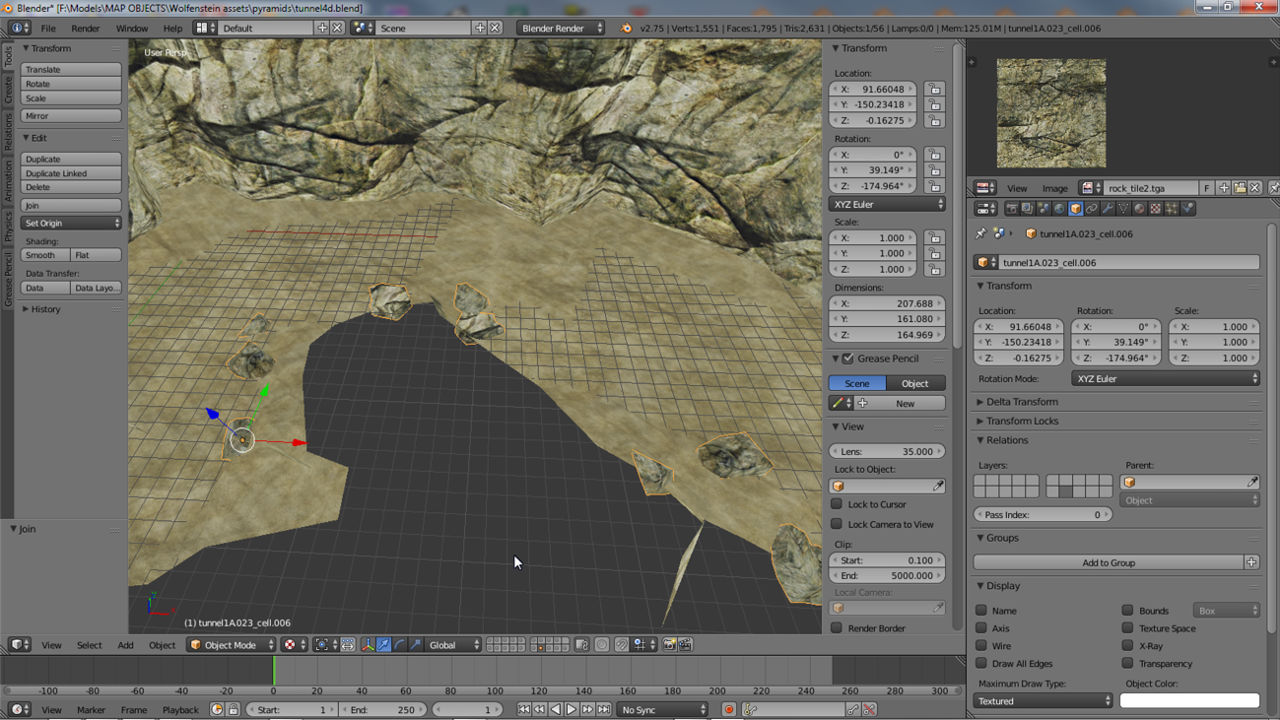
Learn to randomly scatter debris objects across mesh surfaces using the Particle System/Particle Effect.
Learn about making tiling (tileable) Normal map textures from high and low resolution meshes using Texture Bake.
Make a simple low-poly animated character, the Red Ninja. Suitable for beginners. Source file available.
Learn to make a simple Medieval style high-back chair in 7 steps. Suitable for beginners. Source files included.
Cycles can render a Skybox or Environment Map. Learn how using the Node Editor and nodes. Includes example file.
Learn how to make a simple Skybox to render an Environment Map using Blender Internal. Includes example file.
Learn a simple way to Texture Bake Normal maps from high & low poly meshes using the default Blender Render.
Find out how to use Cycles Render to make Normal maps from high & low resolution meshes using Texture Bake.
Make a simple animated Gingerbread character from start to finish. Incl. Video walk thru. Source files available.
Tutorial covering Blenders Grid settings for both Blender 2.49 or below, and Blender 2.50 and above.
Comprehensive tutorial explains importing SketchUp models into Blender; the basics & what to look out for.
Using the "Draw All Edges" property this is possible on a per-selection basis, to show an Objects wireframe.
Learn to make a simple low-poly animated character in Blender 3D from start to finish (incl. *.blend sample files).
This short video runs through using the edge Bevel tool and settings on selected edges. (inc sample).
Video showing the process of making a simple terrain using a grey-scale image and the Displace Modifier (source files avail.).
Making a simple terrain in Blender 2.49 using a height map alongside the Displace modifier (source files incl.).
Video showing how to render Objects like SketchUp using Ambient Occlusion and other Lamp settings (incl. source).
Video showing the basics of rendering Scenes and Objects with Wireframes or Outlines (incl. sample).
Updated for latest Blender & showing the process using Bake to render Ambient Occlusion for a simple terrain mesh.
Tutorial on using Blender to make .map based levels (Quake format) from start to loading into Radiant (incl. source).
Objects can be rendered using a 'shading type', allowing for different mesh display in the 3D View, esp. under GLSL.
Short tutorial on activating AddOns useful for content creation, in this instance the Unreal PSK/PSA import/export tools.
Second in the Blender Basics series. Learn to make a simple low-poly sword from start to finish (incl. source).
Tutorial on the correct way to set up double-sided or two-sided meshes with separate materials (incl. source).
Tutorial covering both basic and advanced aspects of texture baking Ambient Occlusion maps for Objects.
Tutorial on Blenders units of measurement systems and their caveats when modelling 'real world' objects.
Learn to properly exporting ASE models from Blender so they appear textured in game with Smoothing intact.
Explains where some important features have been moved that game developers often use for asset creation.
Understanding collision is essential when making custom modelled assets for game modding and development.
Learn about edge "Numerics" & face "Normals" which help measure & orientate Object in a Scene and to each other.
Learn the basics of Blender making a simple wooden chair from start to finish. For Blender 2.49 & incl. source files.
Shows how to set up transparent (alpha masked) textures and materials to work correctly in the 3D View.
How to import SketchUp file intact into Blender 2.49 and clean them up for editing and further work as needed.
An extensive six part tutorial on using an example of making a simple chair to learn the basics of using Blender.
Import textured meshes from Google Building Maker straight into Blender for additional clean-up and editing.
A list of useful shortcut keys for Blender when meshing and modelling game content. Includes high res chart and blank.
Showing how to use Blenders 'Sculpt' tools to quickly to deform and distort a mesh to 'age' it.
Showing how to use Texture Bake to make Ambient Occlusion maps for Objects in Blender 2.49.
The following tutorial shows a couple of approaches to export meshes with working smooth groups (mesh smoothing).
Tutorial explaining how to export a 3DVia Shape model and import the mesh into Blender (with or without textures).
Most scripts don't need Python API installed to run. This tutorials shows how to set up "Python Path" for those that do.
Exporting meshes from Blender and using o3dconvert.exe to convert them to textured *.o3d (Open3D) files.
Learn to use Blender to render SkyBoxes with this tutorial and template file (incl. source *.blend and textures).
Learn how to use Texture Bake to render normal maps for low-poly meshes from high resolution objects in Blender.
Learn the correct way to 'resize' textures applied to models used in games by editing UV's instead of Material properties.
Items mark [‡] below are hosted by IMVU in the Creator Education Center.
A simple exercise introducing Blender to new users, how it works and the basics of making and manipulating content.
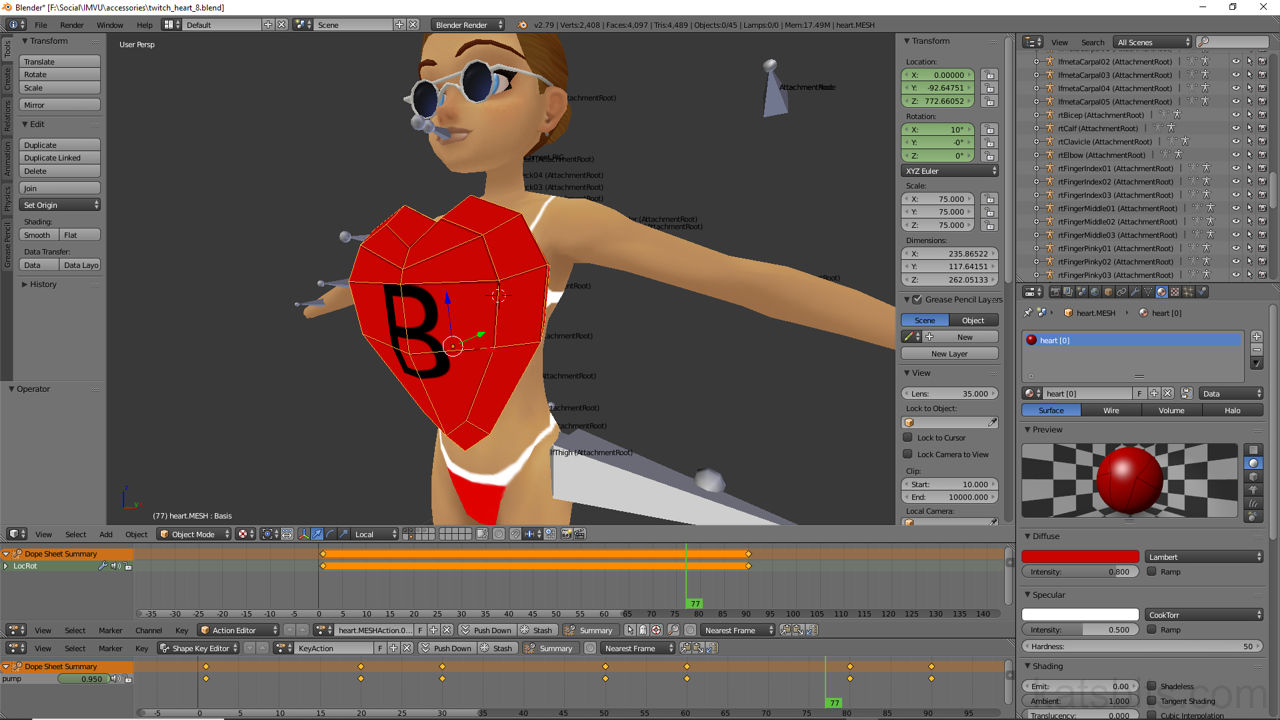
Recorded live, make a simple morph animated accessory using Shape Keys in Blender. Source files also available.
Recorded live on Twitch, watch how to make a simple earring accessory item for IMVU. Source files also available.
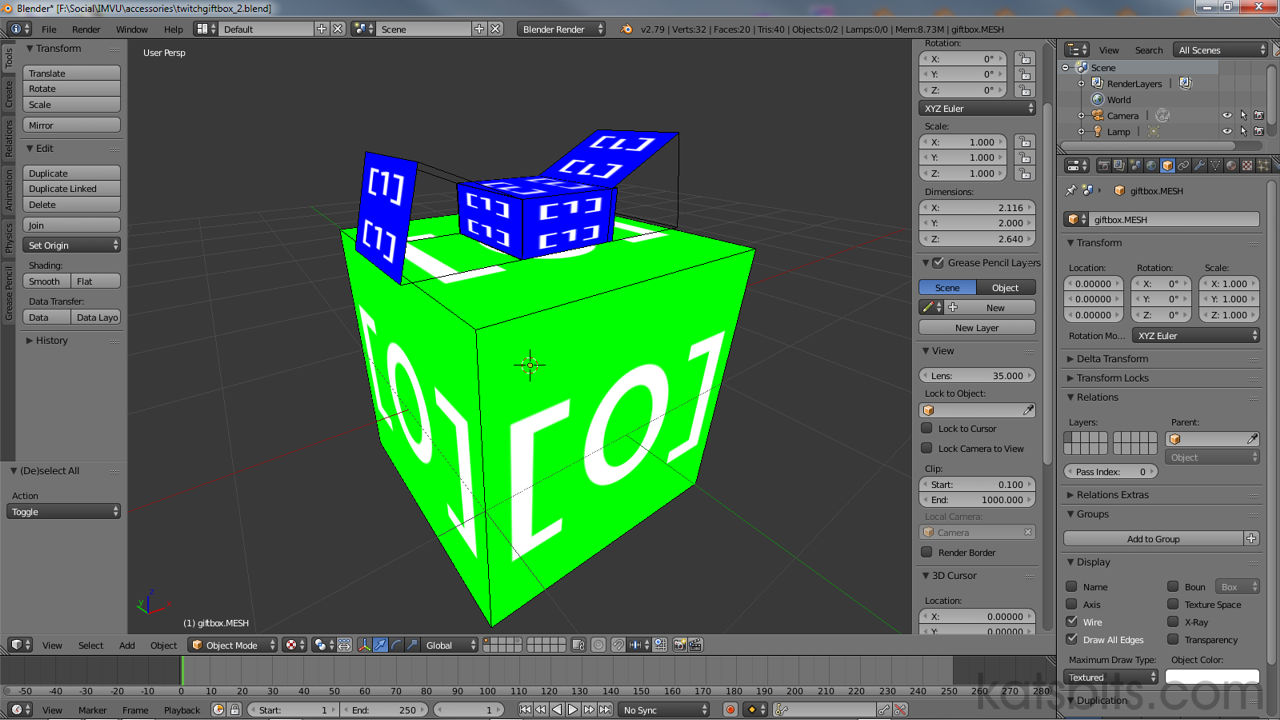
Recorded live on Twitch, watch how to make a simple giftbox accessory item for IMVU. Source files also available.
Learn about product lighting - where, how, colour - mainly for rooms but furniture, accessories and more.
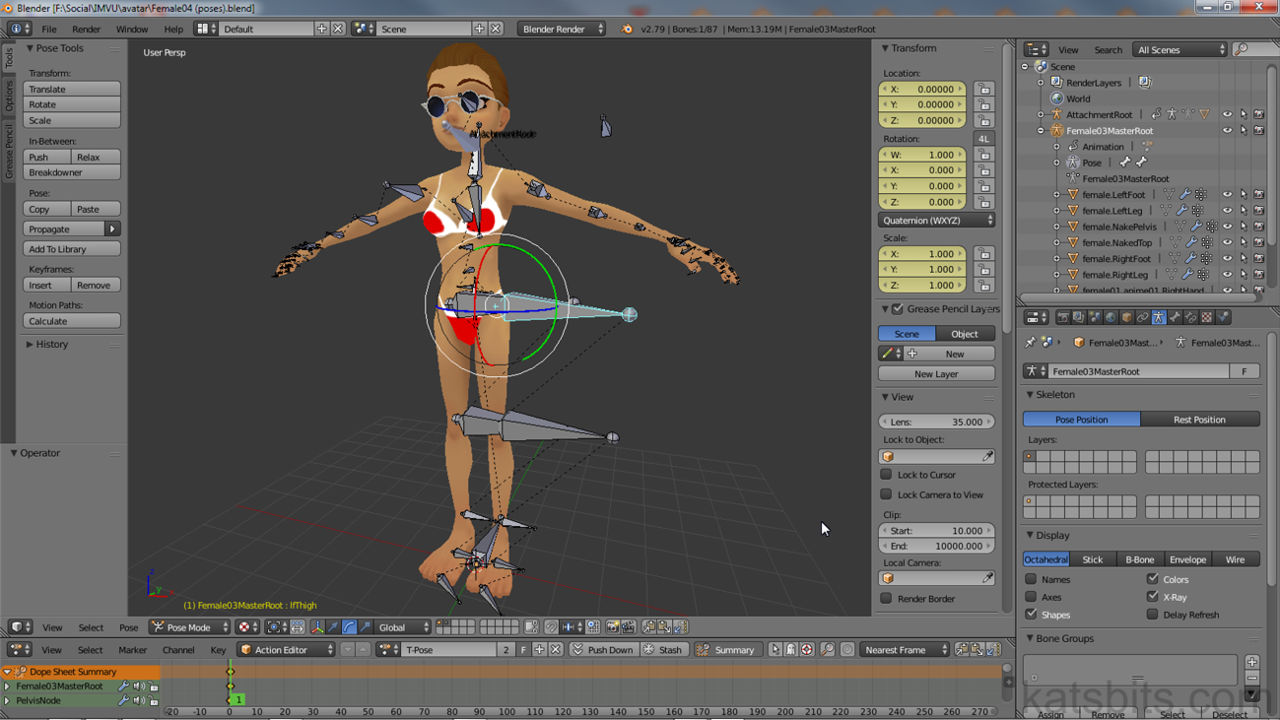
The state a product or avatar is in when it first loads is its 'Idle' position. It can be a single animation or series which loop.
Although relatively obsolete for newer versions of Blender, Cal3D export for IMVU is still useful in some situations.
Learn about adding lights to products and the differences between Blender and IMVU that need to be kept in mind to work.
All products have an underlying (invisible) skeleton built from bones that together form relationships with one another.
Learn how to make, from start to finish, a simple textured furniture item for IMVU using Blender 3D.
Invisible nodes enhance rooms by hiding elements when viewed from specific angles. Learn how to set them up effectively.
Cameras are a fundamental component of rooms that can do more than just provide a portal into a scene.
There are two types of animation in IMVU, singple play or looping. Learn about cycling sequences and how they work.
Rooms and furniture are not just static items, they can be animated to do thing provided some rules are followed.
Learn more about animating using Blender, the Action Editor, keyframes etc., and what they mean for IMVU products.
Seat Handles are the only element displayed to users, it doesn't need to be in the same place. Learn more here.
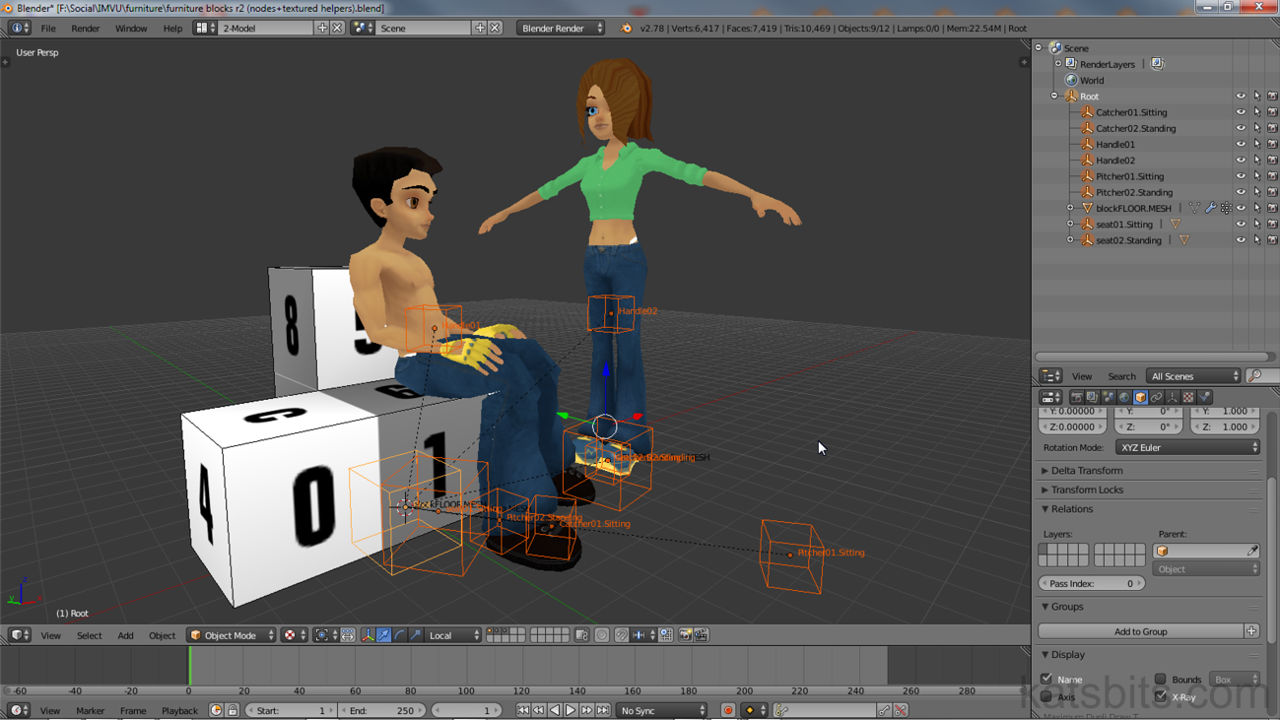
The Catcher and Pitcher nodes are used for interactive animations between avatars. Learn more about them here.
For any items to work in IMVU it needs to be linked to a Skeleton, done using Weight Painting in Blender.
Furniture items are some of the simplest products to make on Blender but can include more. Find out here.
Furniture nodes are what make rooms rooms but there are several types and not all need to be used. Find out more here.
To add more interaction to Rooms, seats, or avatar pose spots, are an essential. Find out more here.
With FBX it's easier to export products for IMVU, simple furniture, pose and more with or without animation. Learn how.
Find out how to add seating (default and custom) to furniture in Blender, how they trigger avatar poses when used.
Learn how to work with and set-up Materials in Blender so meshes export with editable slots (in Create Mode).
Learn more about how IMVU uses Skeletons and how products should be set up properly to use them in Blender.
Mesh Smoothing is often overlooked but highly useful in making meshes appear more natural. Learn how here.
Vertex Painting is an effective way to add colour, tint or shade a mesh saving on textures. Find out more here.
Understanding Weight Painting and how it relates to IMVU is important for the export of functional products.
Furniture rooms are complicated, several types of node being used for different effect. Find out what and how they work.
Learn more about camera nodes used in Rooms, how they can be edited to ensure they still work properly.
Find out how set up and assign Materials in Blender to produce editable meshes in IMVU's Create Mode.
Learn to make, export and edit a basic furniture item for IMVU using the Blender Furniture Starter File.
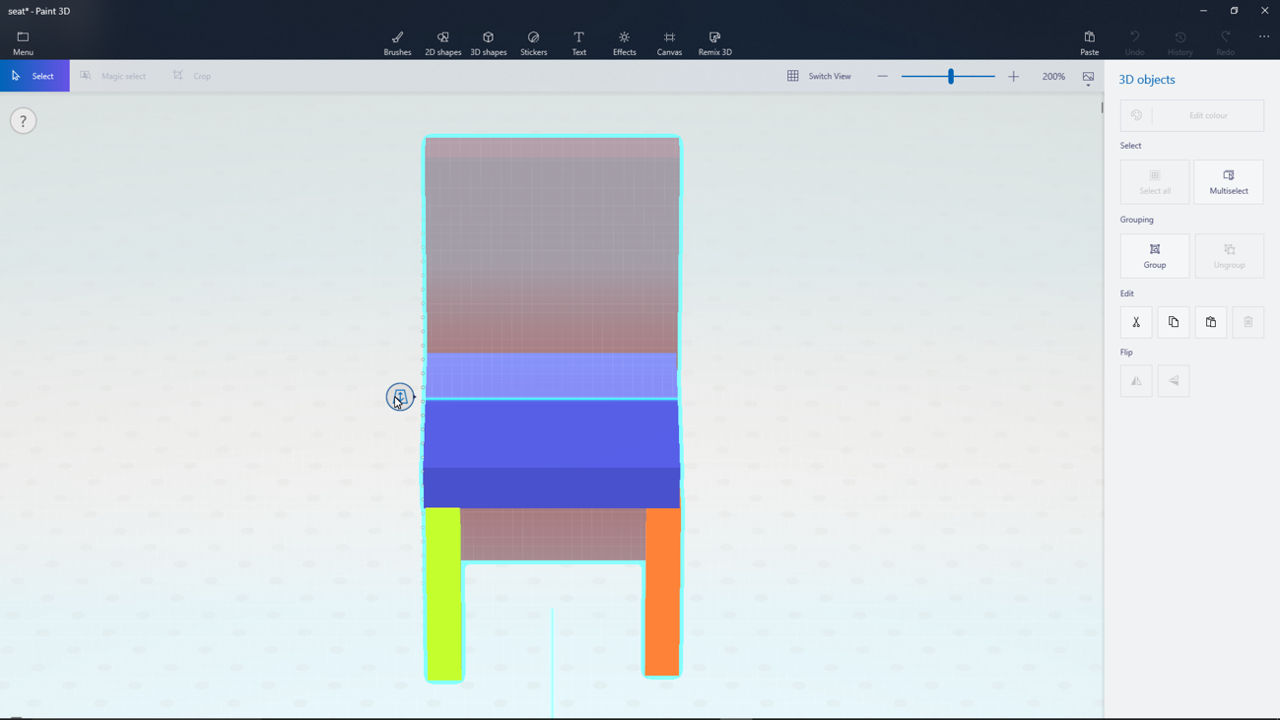
Here's how to use Microsoft's Paint 3D app to make items for IMVU using the Export to FBX feature.
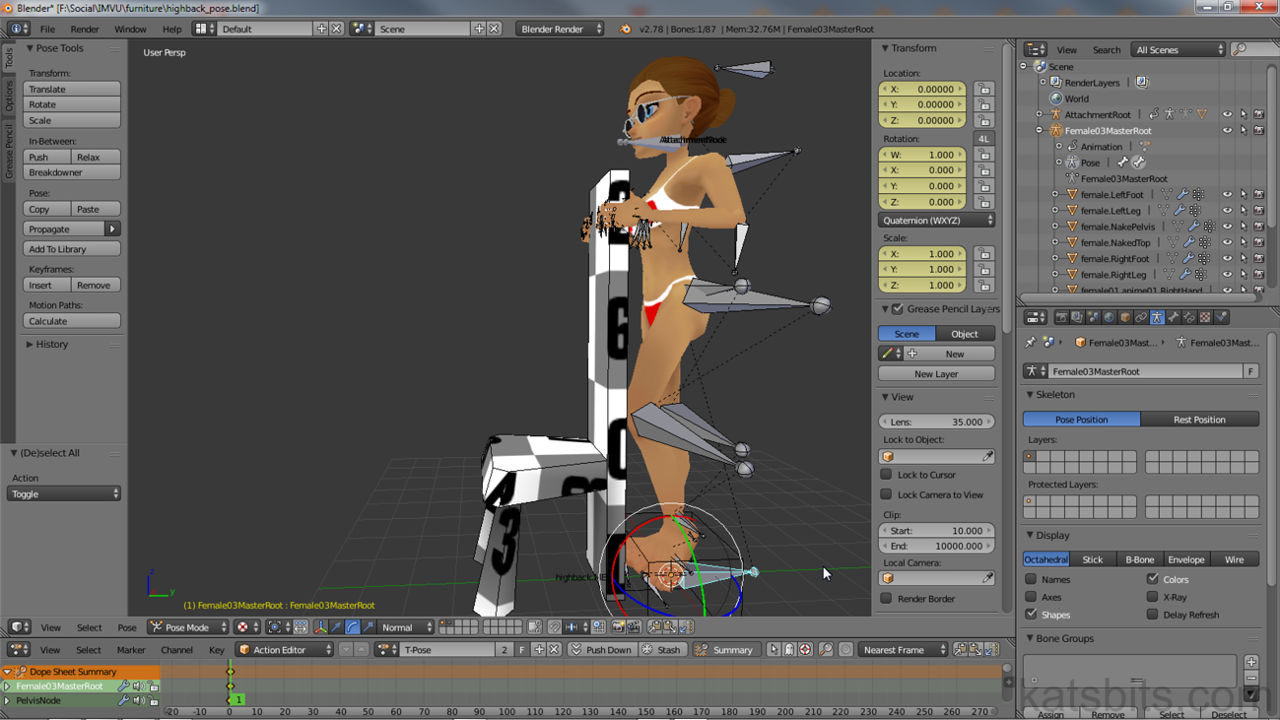
Learn how easy it is to make custom stand-alone (not associated with other items) avatar poses (incl. example).
With FBX import comes a brand new, and much easier, way to add seating (pose spots) to furniture (incl. example).
A brand new way to make furniture items is now possible with the introduction of FBX to IMVU (incl. example).
FBX is much easier to use to import assets into IMVU but some settings are needed to ensure they work as expected.
FBX typically uses a different scaling system that makes Blender content too big. Find out how to compensate and fix this.
Essential guide to get started with Blender for IMVU. Valuable links, information and resources for budding Content Creator.
Shows how to make a simple furniture room for IMVU. Bone placement, texturing, UVW and more (incl. source).
An essential guide to using Blender to make IMVU furniture from start to finish and assembly in Create Mode.
Learn the basics of making furniture items for IMVU using Blender 2.49a from start to finish (incl. source).
Make a pet for IMVU with Blender 2.49. Positions for different types of Pet, textures and export (incl. example).
A page dedicated to some of the more common hints and tips for IMVU developing (content creation) when using Blender 3D.
Learn to properly set-up an Opacity Map for materials in IMVU's Create Mode using two simply images.
Following the simple steps outlined to make a proper IMVU (Content Creator) Bundle item containing other products.
Learn to properly set-up models for export and conversion to Frenzoo. Includes sample file and textures.
Showing how to make, export and convert rooms and scenes for Frenzoo from start to shop upload (incl. source).
Learn how to convert IMVU products made in Blender for upload and use in Frenzoo; clean up, convert, upload.
Making content for Frenzoo requires a couple of extra steps, this tutorial shows what they are and how it's done.
Common errors and problems exporting Blender 3D to Collada and conversion to Frenzoo's efa from dae.
Learn to enhance lacklustre Normal maps generated from images, photographs or artwork using layers & blend mode.
Learn how to make a Normal Map from a photograph of an organic structure - tree bark. Hints & tips to keep in mind.
Essential reading. Understanding how textures are used in games and affect performance when improperly sized.
Learn a quick way to make an alpha mask from a busy image such as leaves for a game texture leaf sprite.
Find out how to fix the "unknown file format" error that happens when making, editing and using DDS images.
Not all games treat Normal Maps the same way, especially when texture rotation is involved. Learn why.
A tutorial to help 'artists' understand parallax maps, how they work and their difference to Normal maps.
Essential reading. It's more important to know how NOT to make normal maps from images than to make them, learn why.
Learn about making Normal maps by converting images as an alternative to texture baking meshes.
A common image format for game content, DDS comes in a variety of sub-formats and using different compression filters.
Originally a forum post showing how a set of rock textures were made as a partially collaborative effort.
How to compile the doom3.gpl source code to make a working executable for game custom idtech based development.
A list of the basic shortcut key and mouse control combo's for manipulating scenes in GtkRadiant, Radiant, D3Edit etc.
Make maps in Blender 3D as models and export them out as *.map files that can be opened in Radiant or QuArK.
Texture blending for idTech. Model set-up, including vertex painting and in-game material properties.
Export ASE models from Blender & import into D3Edit (Radiant), with textures, UVW's & smoothing.
Most errors with GTK Radiant result from corrupt user and preference data. Find out how to avoid and fix for custom mods.
Find out how to use 'parallel' lights to effect natural looking light in outdoor scenes when using dynamic lighting.
DoNotEnter clip brushes can be used to guide bot without blocking them. Find out how to use the clipBrush.
Learn to make simple terrain using Patch Mesh primitives in Radiant, subdivisions, controlling and manipulating shape.
Part II of making a simple patch mesh terrain explains some of the optimisation problems and concerns.
Models need to be 'Smoothed' for game use. There are different ways this can be archived including it being forced.
Overview of the principles & processes used to create kat1024, a fully modelled map environment for idtech using ASE.
Tutorial explaining the basic principles behind dynamic lighting, particularly for idtech 4 powered games.
Tutorial showing how to convert BSP based maps or brushwork into ASE models using Q3map2 compile options.
Prepare & export custom LWO models for idtech 4, materials and mesh smoothing included.
How to set up Doom 3 Radiant (D3Edit or DoomEdit) to make maps for custom mods of the Doom 3 engine.
GTK Radiant can be used to make brush or patch mesh based terrain compatible Mega Texture terrains.
Patch Mesh objects can be used to make complex shapes as an alternative to models and static meshes.
gmax support scene transparency but it needs to be set up correctly for it to work. The following explains how.
How to export static models from gmax and import them into 3DS Max. Plus how to export to MD5 from gmax.
Using a gmax Max script to export models from gmax as *.obj files for import into other 3D applications.
Bake ambient occlusion maps for terrain made from models is a simple way to add depth to textures (for 2.49 or below).
The Retopo Tool is a quick way to rebuild low poly meshes from higher resolution objects.
The best way to make spiral stairs is explained in the following and how to ensure the results compile.
Short tutorial on using Blender 'auto-IK' system and how it effects the movement of individual bones and bone 'chains'.
Learn the basic principles behind better NPC behaviour by changing one or two of their core properties.
Tutorial on using an entity chain to set up and activate the props_flamethrower effect in single player levels.
Tutorial showing how to kill AI in RtCW single player levels without scripting by using a simply entity chain.
There are a couple of ways to create PK3 or PAK files for games that understand the archived format. Learn how.
Using target_smoke entity chains, a steam jet effect can be created in single player levels for RtCW.
Target_smoke can be used to create steam effects but how do these hurt the player? The following shows how.
To End or change a single player level the use of an 'end trigger' is needed. This tutorial covers their set-up & use.
Common Error Messages lists some of the frequent errors and problems that crop up compiling levels with Q3Map2.
Tutorial goes over the difference between 'trisouping' and '3 point clipped' brushwork related to in game z-fighting.