Content is copyright © KatsBits™ 2000-2013. All Rights Reserved.
No part of this web site may be reproduced (except for personal use) without prior written permission from KatsBits.com. For more infomation on copyright click here.
Learn how to use Blender 3D for game development. Pick up essential skills for properly optimised models, efficient level design and texture making. In-depth, extensive and unique explanations of methods and principles you won't find anywhere else, seriously! Not just on using Blender 3D, but also the 'hidden' and less talked about core subjects associated with content and game development, all of if freely available to those looking for it.
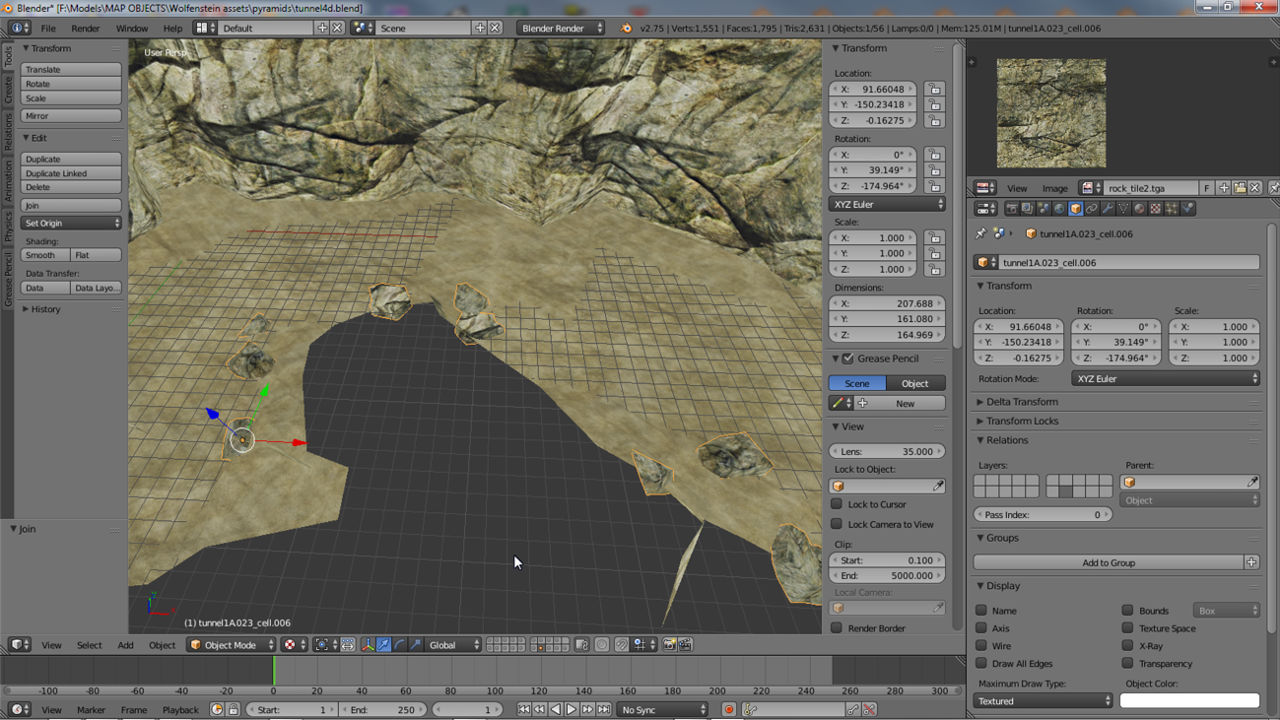
Sometimes being able to see the structure of a mesh in it's entirety is advantageous when working. Using the "Draw All Edges" property this is possible on a per-selection basis.
Extensive tutorial explaining how to make a simple low-poly character in Blender 3D from start to finish, including simple rigging and animation. (incl. *.blend sample files).
Selection based edge Bevel is back in Blender 2.63 (or later). This short video runs through using the edge Bevel tool and settings on selected edges. (inc sample).
Using the same heightmap but the latest version of Blender, this video runs through the process of displacing a mesh to make a simple terrain.
Making a simple terrain in Blender 2.49 using a heightmap alongside the Displace modifier. Includes tip for better results. Text version available with sample file.
Short video tutorial showing how to render Objects in a scene like SketchUp in Blender using Ambient Occlusion and other Lamp settings (inc. sample).
Short video tutorial showing how to render Scenes or Objects in Blender as 'Wireframes' or 'Outlined' images (not to be confused with 'Wire' viewport shading (inc. sample).
Updated for the latest version of Blender. Few things have changed but more can be learnt about the process of baking ambient occlusion for terrain.
![]()
Tutorial on using Blender to make .map based levels (Quake format). Seven chapters cover scene and set-up basics, through to advanced information on optimisation (source file included).

![]()
Short tutorial on activating Blenders Add-Ons, optional tools and features that can be used for content creation, in this instance the Unreal PSK/PSA import/export tools.

![]()
Tutorial on the correct way to set up double or two-sided faces and meshes so they use different materials on either side. Mainly for Blender 2.5, this technique also works in any 'real time' environment.

![]()
Tutorial on Blenders units of measurement systems and their caveats when modelling 'real world' objects.

![]()
Tutorial explains some of the changes to the new version of Blender and where some important features have been moved that game developers often use for asset creation.
Understanding collision hulls is an essential bit of knowledge 3D artists need have when making custom 3D modeled assets for game modding or development. Learn more about the process with this tutorial.
An extensive six part tutorial on making a simple wooden chair to learn the basics of how to use Blender 3D (2.49 or below) for modeling content.
This tutorial discusses how to import files from Googles free 3D modeling application, Google SketchUp, into Blender 3D to allow further editing as part of the overall content creation process.
Another tool from Google that potentially make asset creation relatively straight forward whilst being based entirely on real world locations and buildings.
You don't always have to 'sculpt' with Blender 3D's sculpt tool, it's also a quite handy and a quick way to edit a mesh to make it 'wonky' and 'aged'.
Making custom models for UT3 or UDK present issues, one of which is getting smoothing to work to properly. The following tutorial explains a couple of ways to getting smooth groups to work on Blender models.
Although most scripts in Blender, installed or 3rd party, don't always need the Python API installed, some of the more complex ones do often reporting the classic "Python Path" error. This tutorials shows you how to set that up under Windows OS (XP, Vista, Win7).
Trying to make a custom sky-box but can't quite get there? Use Blender 3D and the available skybox sample file to quickly render out your own custom skyboxes with very little hassle, ready for use in games.
![]()
Objects in Blender can be rendered in a scene to use one of various 'shading' types, allowing a 'mix-n-match' approach to the display of meshes which can be especially useful under GLSL conditions.

![]()
Second in the Blender Basics series. A six part tutorial on making a simple low poly sword model to learn the basics of using Blender and general content development (source file included).

![]()
Tutorial discussing both the basic and more advanced aspects of texture baking Ambient Occlusion maps in Blender, includes UVW map & texture relationship and more.

![]()
Learn the ins and out of exporting ASE models from Blender, the proper way to prepare meshes and the problems that can happen and their fixes.

![]()
Learn about edge "Numerics" & face "Normals" sub-systems which belong to more complete suite of tools used to measure and orientate mesh elements relative to the grid and each other.

![]()
Explaining how to set up and get transparent (alpha masked) textures and materials to work correctly in a scene so it's visible in 'edit' mode as models are working on in the 3D view of Blender 2.5.

![]()
An extensive six part tutorial on using an example of making a simple chair to learn the basics of using Blender.

![]()
A list of shortcut keys that are useful when modeling meshes and objects for games and interactive 3D.
Ambient occlusion is a useful way to add depth to textures applied to map and world objects, something that's simple to do using the default render bake settings in Blender 2.49.
This tutorial explains the simple process of getting a 3DVia Shape model out of the application and imported into Blender 3D in the least amount of steps, with or without textures and UVW maps.
This tutorial runs through the process of converting models into Open 3D *.o3d files using Googles o3dconvert.exe sample conversion program.
Most modern games use normal maps and luckily for Blender users the program has a native ability to render bake them from high resolution meshes.
A common mistake that easily corrected one you know how, the correct way to resize textures applied to modeled content used in games.
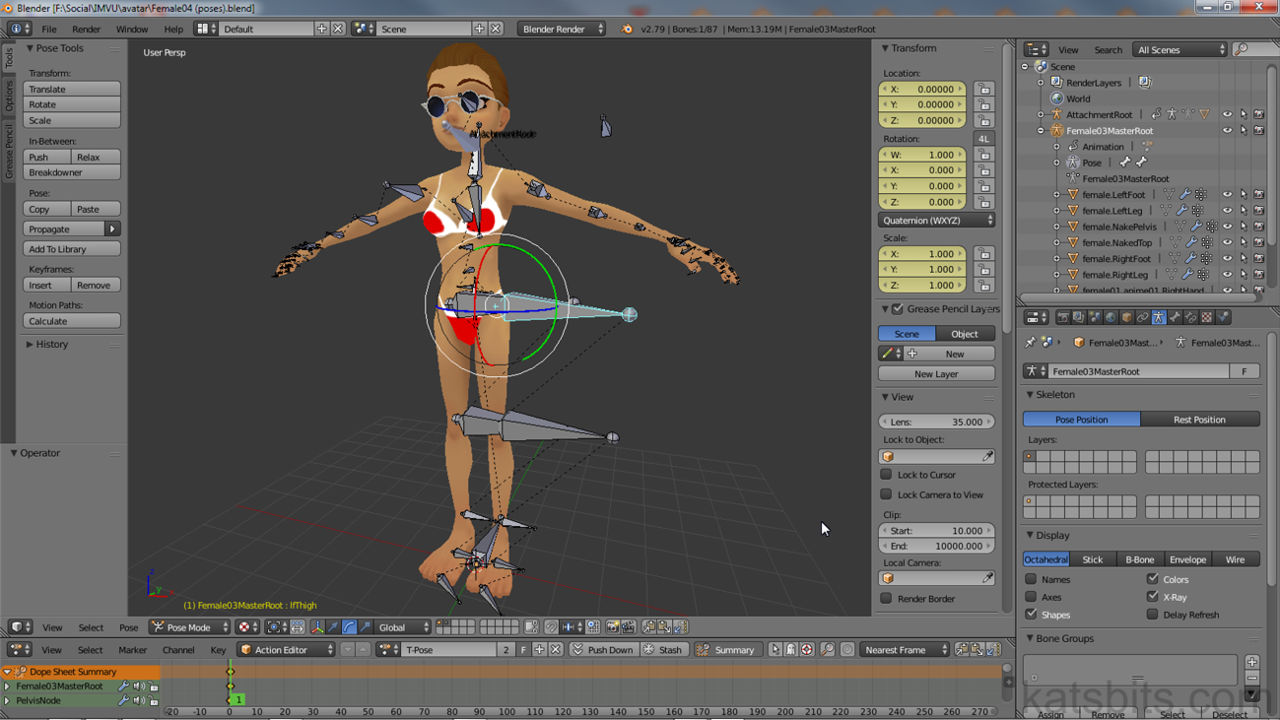
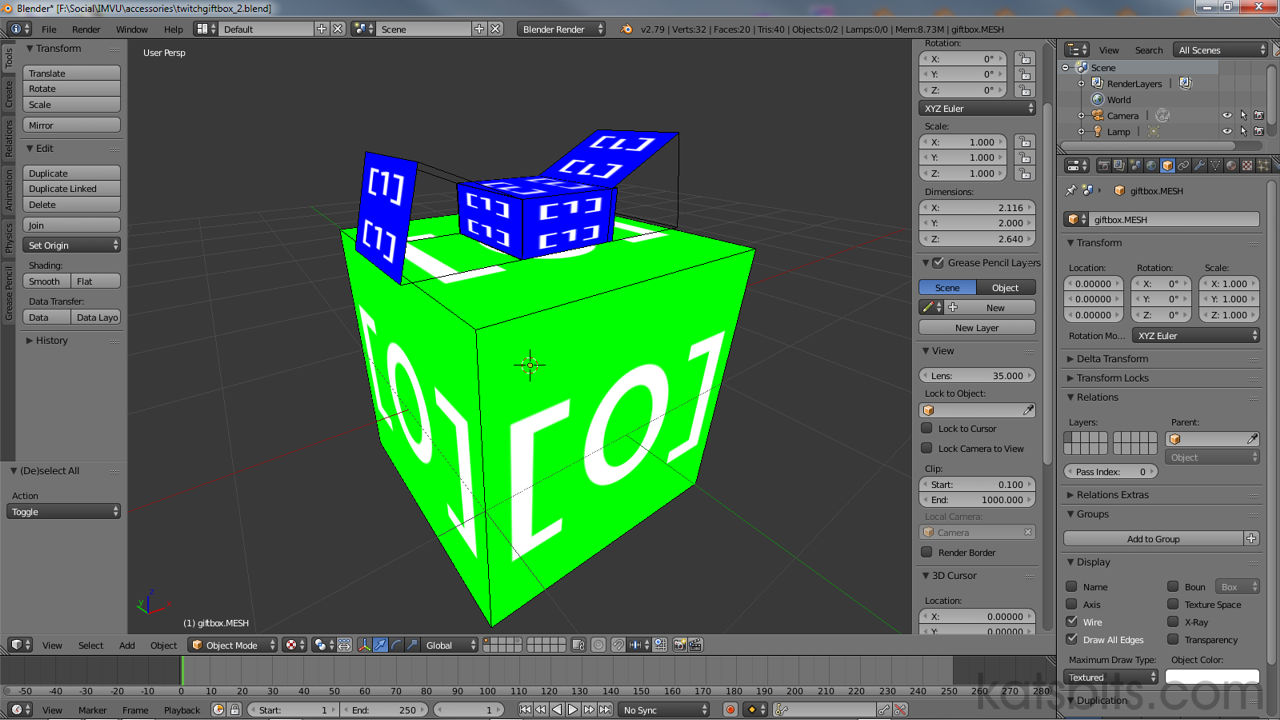
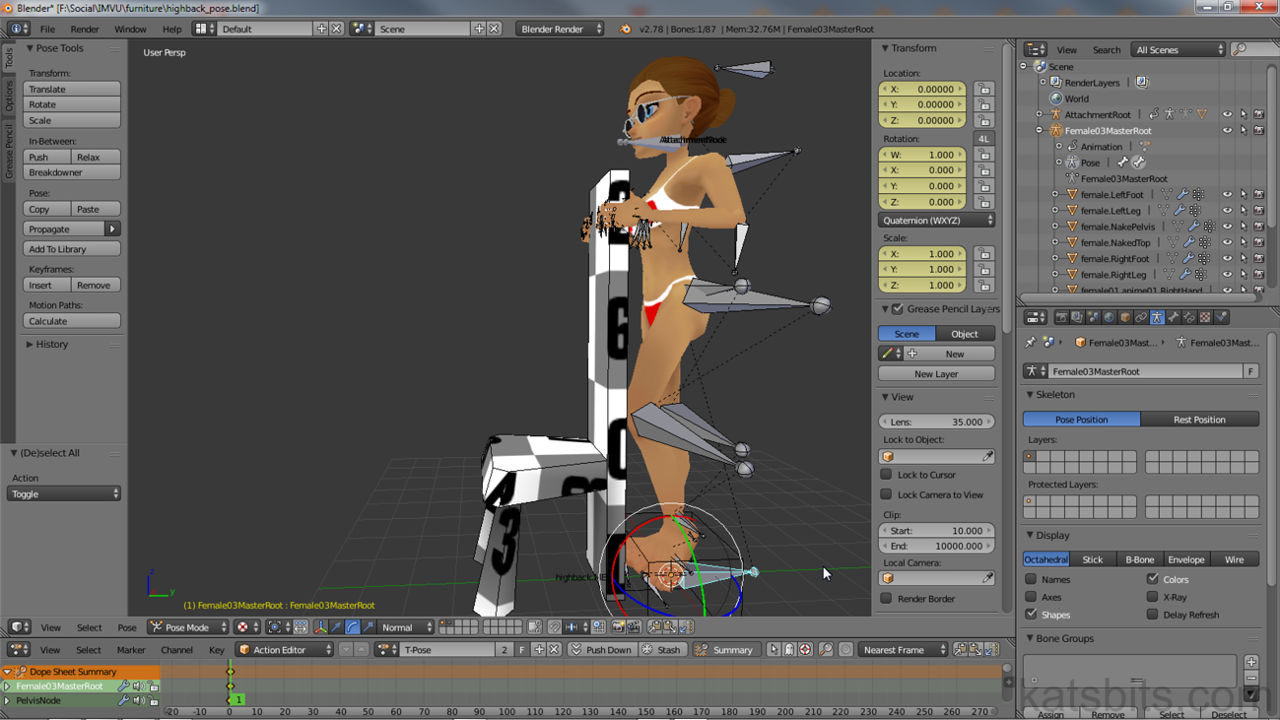
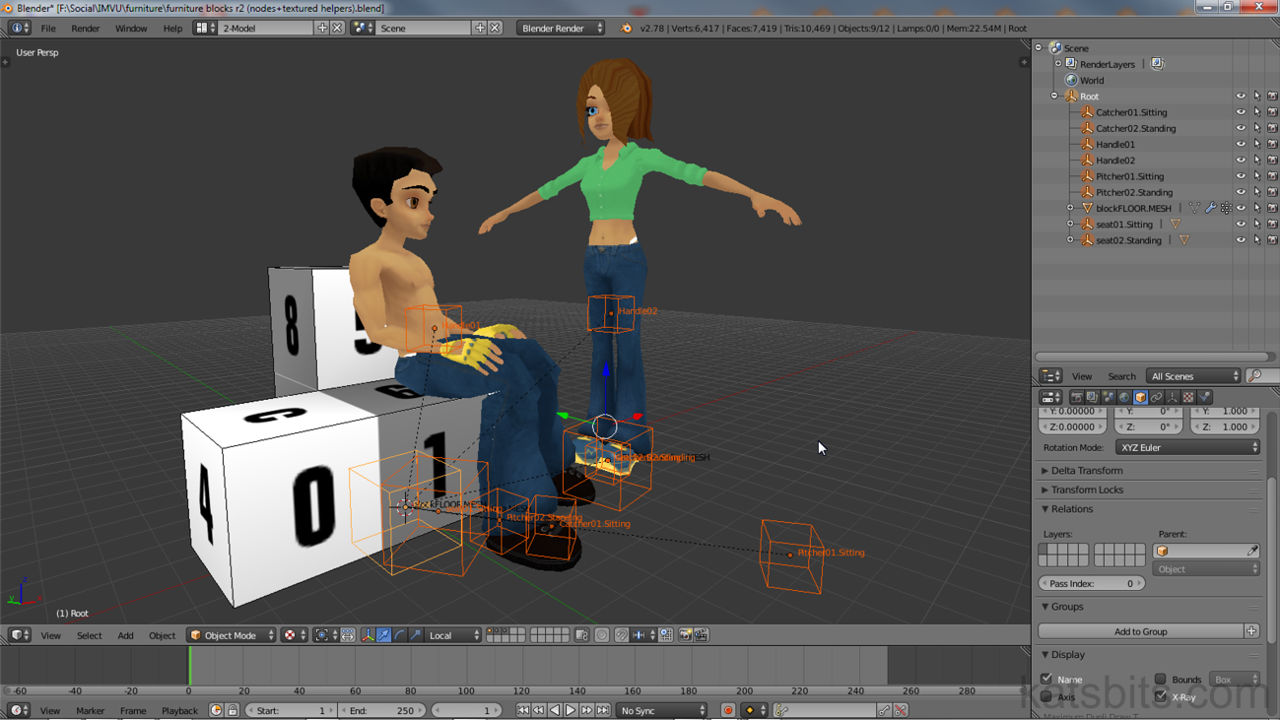
If you're new being a Content Creator or looking to make your own meshes, the following will teach how the basics of making furniture items for IMVU using Blender 2.49a.
Essential guide for getting started with Blender and using it to make products for IMVU. Essentials links, information and resources needed to become a Content Creator.
Although the process of making products and items for Frenzoo is relatively straightforward, you need to be mindful of how a model should be properly prepared, exported and converted. Includes sample file available for download.
Part 1 of a two part tutorial on creating an animated pet for use in IMVU made with Blender 3D. Part 1 covers making the pet in Blender 3D and what needs to be considered when doing so before then going on to discuss more 'advanced' subjects that need to be considered.
This tutorial explains the steps required to make, prepare and export a model mesh to Cal3D, constructing the results in IMVU's Previewer tool for upload to IMVU as a scene or room.
How do you create transparency for your products and items in IMvu? Easy, use opacity maps. Their setup and use can be a little confusing so this tutorial highlights the things you need to know in order to get them to work properly.
Quite confusing the first time you try to "Make a Bundle" as it's it involves a number of steps that need to be done in order for a bundle product to be successfully created.
Tutorial going over how to make rooms and scenes for Frenzoo. Including correctly preparing the meshes and objects to export and converting for upload to the Frenzoo shop. Includes sample file available for download.
IMVU products built with Blender 3D can be easily converted and used inside Frenzoo, it just requires a little bit of clean-up and prep work.
Making content for Frenzoo using anything other than 3DS max requires a couple of extra steps when producing content for Frenzoo, this tutorial will show how that's done.
A 'quick & dirty' tutorial taking you through the essential steps needed to export a contents of a scene or series of objects from Blender 3D to IMVU, put together in the 'Previewer' tool. A template/sample file is available for download to accompany this tutorial.
A 'list' of common errors and problems associated with exporting meshes from Blender 3D to Collada and conversion to Frenzoo's efa format from dae
A page dedicated to some of the more common hints and tips for IMvu developing (content creation) when using Blender 3D.
Following on from the previous tutorials about creating normal maps, this tutorials covers some of the things you'll need to know and watch out for when using photographs to create normal maps.
Creating a leaf mass for use as a tree sprite can be fiddly and time consuming, there are a few steps that can be used to create a mask from a source photograph quite quickly.
Not all games treat Normal Maps the same way, especially when texture rotation is involved. As a result problems can occur when using them on models using tiled textures that have normal maps.
Although normal maps (or 'local maps' to give them their proper Doom 3 name) ideally should be generated by rendering an incredibly high resolution three dimensional object into 2D.
One of the more puzzling aspects of creating content for Doom 3 powered games (Doom 3, Quake 4 et-al) is DDS; what they are, what they do and more importantly, how to create them. This tutorial will walk through the process of creating DDS textures.
A lot of problems encountered when making textures for games are directly related to not knowing about a couple of basics. This tutorial discusses one of these, the 'power of two' rule.
A common misconception about DDS textures and the "unknown file format" error; they are 'proper' DDS, but 'special' which is why Windows has problems with seeing them.
A tutorial to help 'artists' (texture artists, modellers, etc.) new to parallax mapping understand how it works and the differences between parallax and normal maps.
This tutorial explains in further detail the process of creating a heightTemplate for passing through one of the normal map creation tools, mentioned in the previous tutorial (though not the specifics of 'how to use' the tools).
I though it might be interesting to add this info to the site. It was originally posted on the Map Center forums as part of the rock texture challenge by way of giving a brief outline/explanation.
Make maps in Blender 3D as models and export them out as *.map files that can be opened directly in to map editors like Radiant.
Covers the principles of texture blending in idtech 4 powered games. Model set-up, vertex painting and in-game materials to get texture blending working properly on models.
Tutorial explaining how to get custom made ASE models into D3Radiant or QuakeEdit, the steps needed to prepare the mesh and then export and load into Doom3Edit.
Lighting outdoor scenes when making maps for Doom 3 requires a different approach to normal indoor levels. Find out how to use 'parallel' lights to effect natural looking light in outdoor scenes.
You need a basic understanding of how to manipulate patch mesh to fully grasp the concepts outlined in this tutorial. If you don't know 'how to.. patch mesh' then click here an read that tutorial.
This is a over view of the methods and principles used to create the sample map shown below, kat1024. The processes and techniques involved can be used for modeling any map for Quake 3 or Doom 3 powered games.
An extensive tutorial showing Radiant based level designers what they need to know and understand when converting maps or brushwork into ASE models using Q3map2 compile options.
Make sure you can see, or get access to the top, side, front and 3D camera views. You'll need these views to edit the patches properly on all sides and see what you're doing.
Most common errors with GTK Radiant are a result of corrupt user and preference data. This tutorial explains how to avoid and fix these errors.
Most of the pics below are 'exceptions to the rule' on using DoNotEnter clip brushes as it's usage (the rules) usually applies to structures with flat walls and floors.
There are 3 model formats idtech 4 can use. *.ase, *.lwo and *.MD5. All these formats use smooth groups in one of two ways, this tutorial shows how to do that.
This tutorial isn't going to cover the specific technical details of using lights with Doom 3, instead it'll cover the general principles and what you need to have in mind as you work.
Explains what needs to be done to prepare and export custom LWO models from Blender to idtech 4 games. Includes material set-up, and adding mesh smoothing to exported models.
This tutorial is going to run through the steps you need to take so you're able to use Doom 3 Radiant ('D3Edit' or 'doom edit') to create content (maps) for custom modifications of the Doom 3 engine.
Tutorial explaining how level designers using GTK Radiant can and will be able make brush or patch mesh based terrain as part of the Mega Texture system in idtech powered games.
This tutorial is a follow up on the previous article about what you need to keep in mind when making a terrain in Doom 3 from patch mesh objects. This tutorial continues the 'optimising' theme.
2D artwork was used on the meshes which meant using UVW map and and UVW unwrap. As this is a big part of the workload for the scene it's probably a good idea to run through the process.
If you're thinking of creating 'static' map objects for Doom 3 (doorways, crates etc.) they need to be in one of two formats; *.ase and *.lwo. Animated objects and characters in the Doom 3 use the proprietary MD5 format.
Using a gmax Max script it's possible to export models out from gmax as *.obj files so they can be imported into other 3D app's for further work.
Using Blender to bake ambient occlusion maps for terrain made from models is a simple way to add depth to textures (for 2.49 or below).
One of the most complex types of constructions to make when level editing. Follow the video and read the accompanying tutorial and make professional quality steps in no time!

This series of Blender 3D video tutorials runs at almost 3hrs worth of footage (no audio). Essential viewing for current Blender Heads looking to do low poly modeling or modders new to modeling wanting to get to grips with some of the techniques of using Blender 3D.
The Retopo Tool is a quick and clean way to rebuild low poly meshes from higher resolution objects... a valuable and handy skill to know!.

Short tutorial (tip) explaining the results of using Blender 3D's 'Automatic IK' system and how it effects the movement of individual bones and bone 'chains'.
Tutorial explains how, using an entity chain, to set up and activate the props_flamethrower effect in single player levels.
There are a couple of ways to create PK3 or PAK files for games that understand the archived format. The following tutorial explains how to make a pk* files.
Right.... what we're talking about here is the walk-able trigger at the end of a level where you seem to be able to walk a couple of paces into before the next level loads.
I wrote this as a reply to a forum topic (now long since gone the way of the dodo) on the difference between 'trisouping' and '3 point clipped' brushwork and how that related to z-fighting in game.
Tutorial explaining a simple way to kill AI characters in RtCW single player levels without scripting by using a simply entity chain.
This RtCW tutorial covers using the correct target_smoke entities to make a steam jet effect in the single player part of the game.
Ok, the pic below shows the setting used for the 2 target_smokes', the only difference being one's 'black' the other 'white', the info_notnull targets and 'gravity' set on the lower one.
The following text is a collection of Questions & Answers taken from the Quake3World level editing forums before the big f.u.b.a.r. of late 2004.
Learn the steps you need to know to start creating brand new custom tracks for Trackmania Forever, with the new 'Simple' editing mode it's easy to get up and running quickly.
Short text and image tutorial explanations to accompany the short video tutorials on how to create some of the lesser known and undocumented basic track shapes seen and used in Trackmania Nations; circle, oval, crosier and double circle... These basic track sections form the basis upon which further track editing can take place.
Learn Blender 3D - learn to make a simple low-poly rigged and animated character
Blender & IMVU furniture - new to Blender? IMVU? Learn to make furniture quickly
Displaced Terrain Mesh - using displace to make a basic terrain +optimisation tips
Displace & Simple Terrain - making a simple terrain in Blender 2.49 using displace