Copyright © 2023 KatsBits™. All Rights Reserved. No part of this or associated properties shall be reproduced without prior consent.
Copyright Policy. Copyright Contact.
Map kat1024
(includes sample files and editor assets)
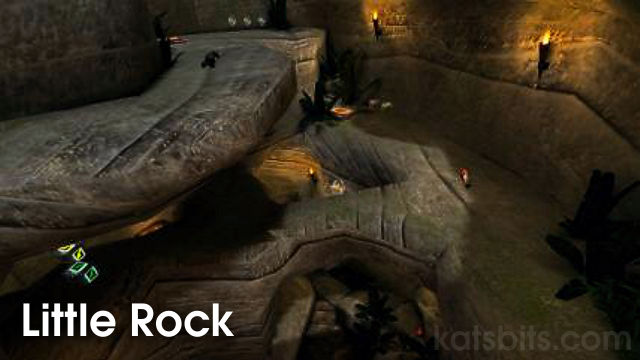
The following download is a custom multi-player level (map) for Quake 3 Area

Quake 3 MP levels
Quake 3 MP map details
-
author - Ken 'kat' Beyer
-
rel' date - 15 Mar 05
-
name - Little Rock
-
pk3 file - map-kat1024.pk3
-
game - FFA, Tourney
-
bots - Yes - this is Klesks arena.!
-
info - A small 1024x1024 'terrain' map including *.map file sample map and editor assets to accompany the 'modelling a map tutorial' here.
kat1024_assets is a zip file only so content needs to be extracted into your ..\baseq3\ folder before the included *.map file can be opened in Quake 3's editor (GTK, QeRadiant etc..)
The new multiplant pack fixes a number of bugs and issues in the original files but it may cause conflicts and or errors with maps you have in your baseq3 that use the old files. If this happens simply remove the updated version - although it may cause missing assets in kat1024.
-
weapons - RL, GL
Download Locations
-
map-kat1024.zip* required for Q3 play
-
zzz_md3-multiplant.zip* required for Q3 play
zip file [total size c.7.1 MB]
-
kat1024 master - contains all the above
Download from KatsBits
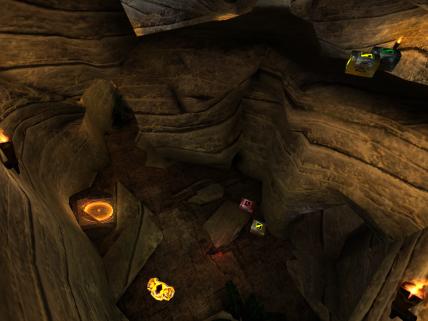
Inner cave
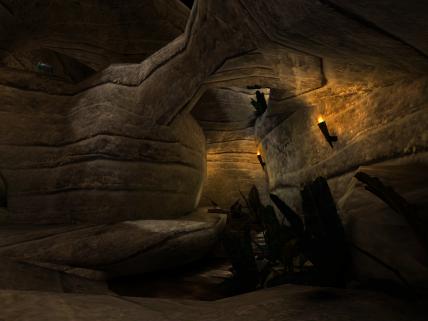
Run around
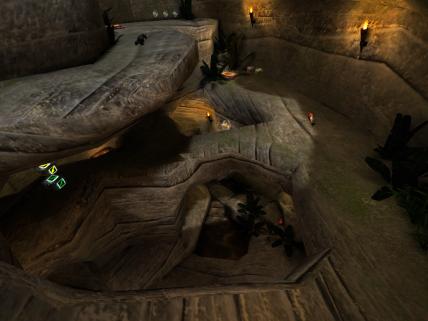
Layer Cake
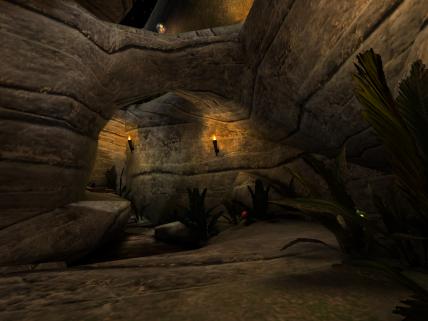
Arch villan
Blender source file ^
The following file is the Blender *.blend file used for use in kat1024 shown above. Only the 'terrain' sections were modelled with some small amounts of brushwork being used to 'pad' out or 'humanise' the overall map. The lanterns are separate ASE models and not included in source. A few things to note about this model;
-
When looking at the UVWmap please note that it appears hap hazard as individual units, bear in mind that the 'level' was UVWmapped as one object and then broken down into sections, this allowed better texture alignment.
-
In this particular instance the model is broken down into segments for the purpose of allowing texture blending using Q3Map2's 'alphaMod' capability and not for 'VIS' optimisations as would normally need to be done.
Design note: AlphaMod is a 'special' shader that's used in combination with a number of different 'value' control brushes which determined how 'strong' a blend is between two separate texture images.
If a terrain section needs to be 'blended' then the normal VIS splits need extra consideration with regards to how many times and where a model is broken down into segments; as with all ASE models where ever there is a 'split' like this is creates a hard line which is visible in game (it creates a 'smooth group').
Also included is an 'editor' checker texture that makes it easier to align the texture over the entire UVWmap.
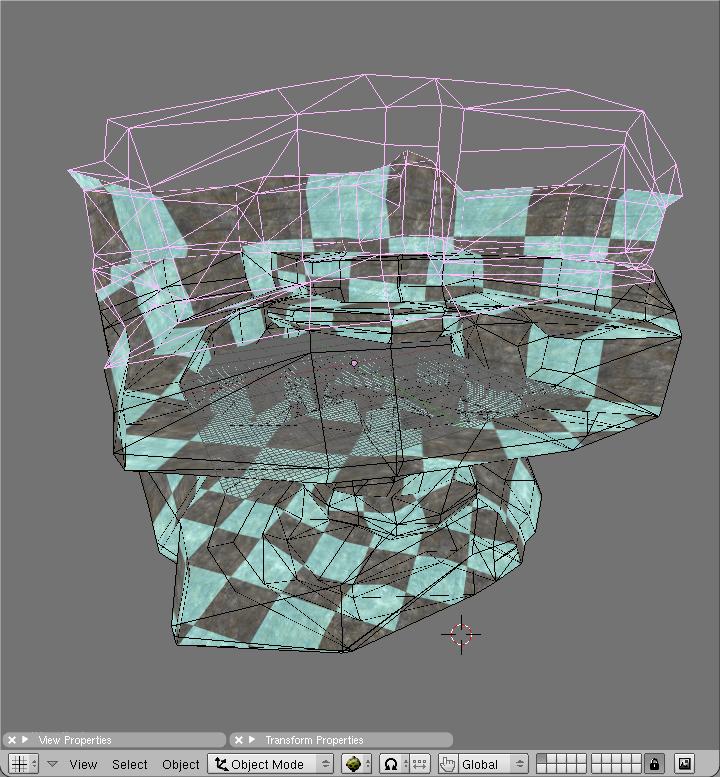
Blender 3D source file
Download locations
File includes 1 x *.blend file and 1 x 512x512 editor image [800 KB]

KatsBits provides freely available game and content making tutorials and resources, helping Visitors build their own games, or go further, Game Design Studios!. At KatsBits we strive to bring relevant material to our Readers and forefront Blender as a general game development tool.